Studio Xplorer
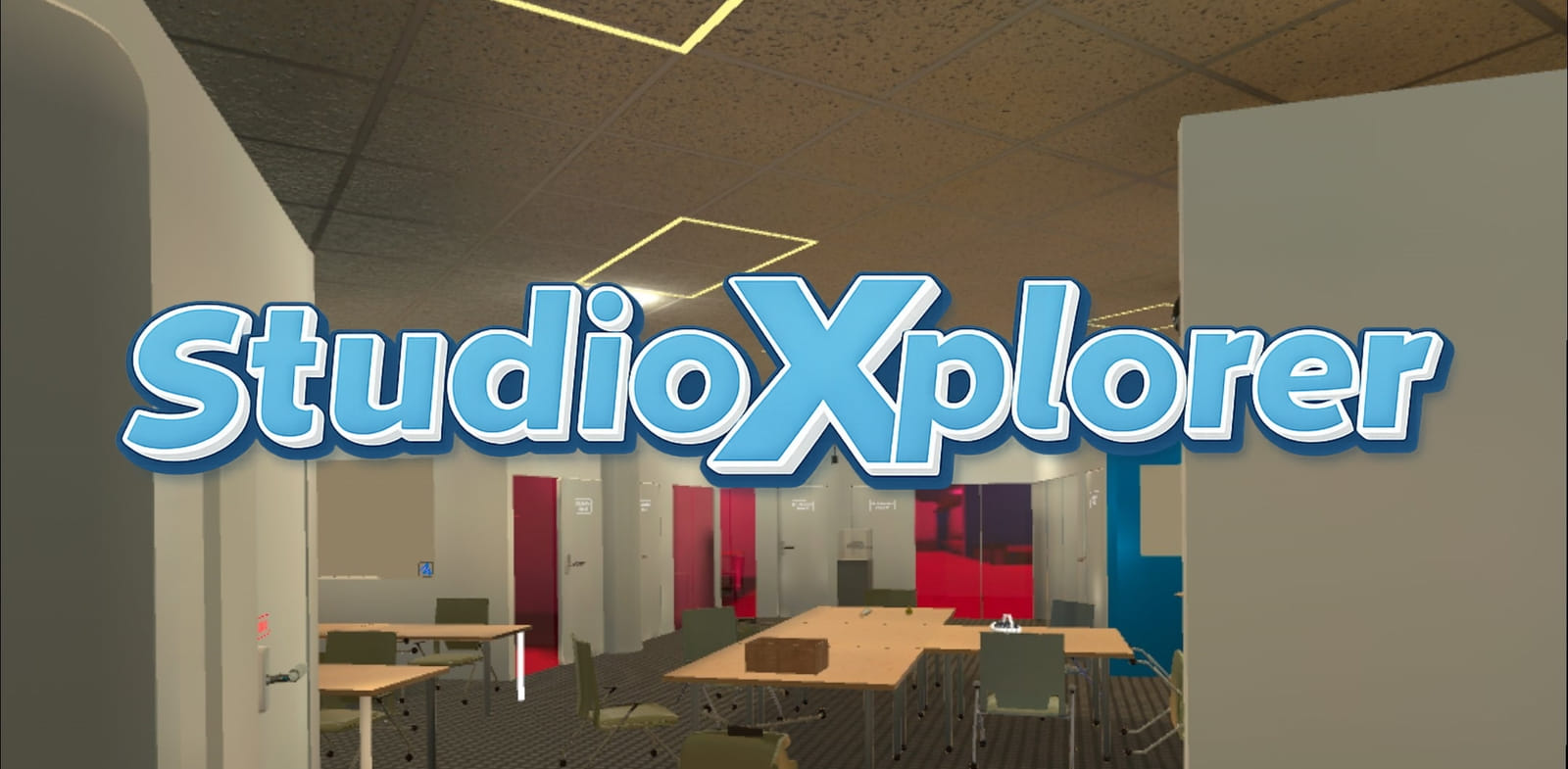
Studio Xplorer is an educational VR experience developed by Studio X staff and students, currently avaible at SideQuest. The app features a digital twin of Studio X’s physical space and introduces users to XR, Studio X, and how to use VR headsets and controllers—all within a playful escape room-style adventure.
Demo
Studio Xplorer Assessment Report
The Mission
Introduce Studio X
- • Help students discover campus XR resources
- • Showcase workshops and events
- • Promote VR headset lending services
Teach XR Terminology
- • Clarify VR, AR, MR, and XR differences
- • Interactive hands-on experiences
- • Build foundational understanding
Data Privacy Awareness
- • Educate about VR data collection
- • Explain how headsets track users
- • Promote informed consent
Key Results
Knowledge Assessment: Before vs After
Complete Knowledge Check Results
Biggest Win
XR Terminology understanding skyrocketed. Students went from confused to confident about what XR actually means.
Strong Growth
Studio X Awareness tripled. More students now know we lend VR headsets and host workshops.
Critical Issue
Motion sickness prevented users from finishing. Data privacy content dropped because users couldn't complete the experience.
Participants Profile
A balanced mix of VR newcomers and experienced users
Used VR Before
Used AR Before
Interested in Learning
Baseline Knowledge
Participant Feedback
Engagement & Confidence Outcomes
92% Found It Engaging
Nearly all participants enjoyed the interactive experience and felt it was worthwhile.
85% More Confident with VR/AR
Users felt significantly more comfortable using XR technologies after the experience.
77% Want Studio X Workshops
Strong interest in future learning opportunities and deeper engagement with Studio X.
Outcomes Summary
XR is an overall term for both VR and AR - I had no idea!
I had no idea what MR or XR was or that it existed until now
The tutorial was the most helpful part of the experience
It makes me completely sick
Take a motion sickness medication beforehand
The best part was having someone there to explain what to do
What We Learned
User Experience Isn't Optional
We thought we could polish UX later. Wrong. UX issues didn't just annoy users—they prevented learning entirely. Task sequences broke, UI elements overlapped, and players clipped through walls.
Motion Sickness Is a Learning Barrier
We placed critical content at the end. Many users never reached it because they felt sick. Motion sickness isn't just a comfort issue—it's an accessibility issue that directly impacts educational outcomes.
Tutorials Make or Break the Experience
The #1 most helpful feature? The tutorial. Clear, guided onboarding is essential, especially for VR newcomers. Good tutorials build confidence; bad ones create frustration.
Test Early, Test Often
10+ test sessions taught us more than months of internal development. Real users will always surprise you. We ran extensive testing with UX designers and still discovered critical issues.